
Moderation api changelog
Preview policy impact
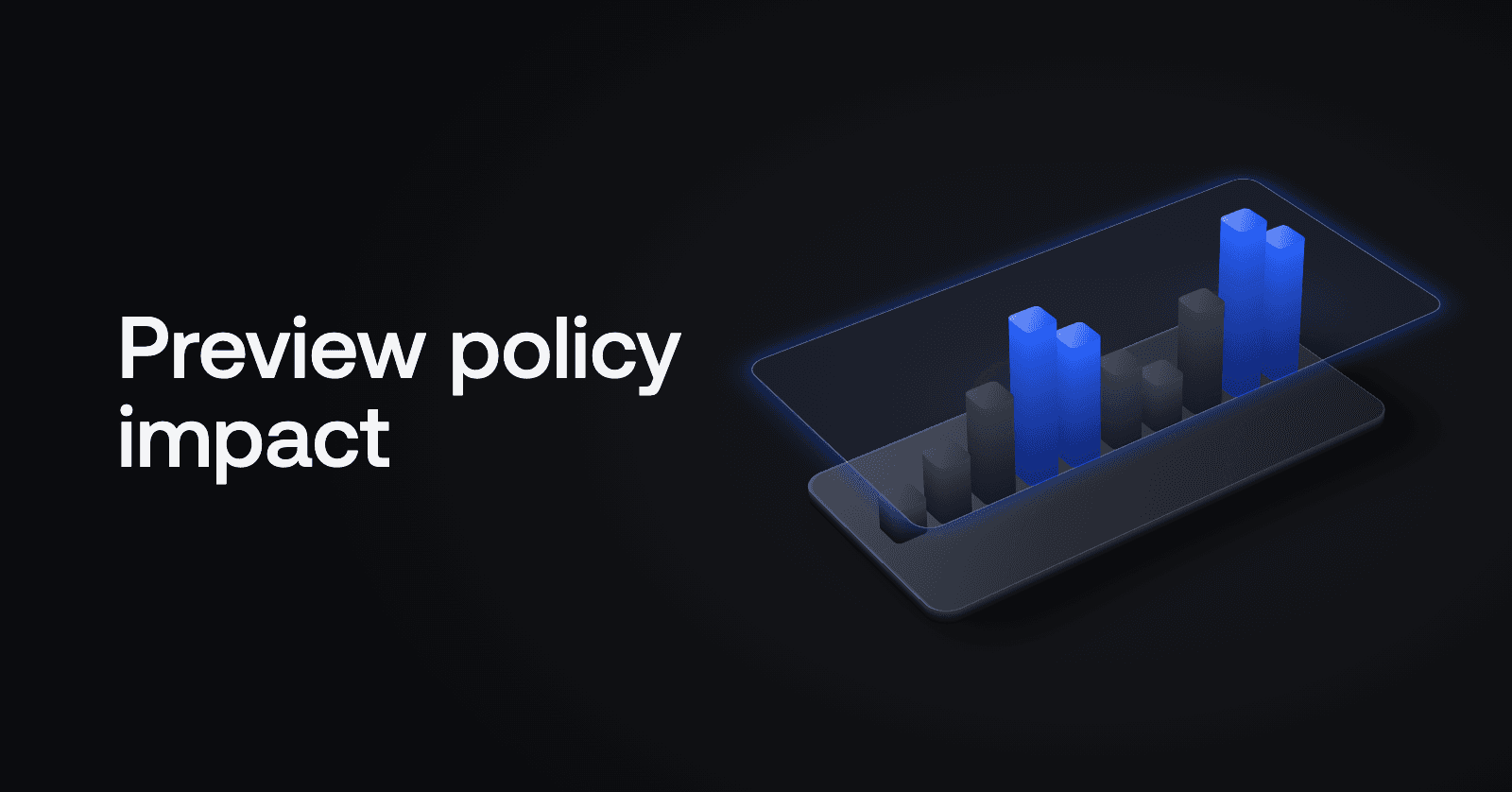
See what a policy would flag on your own content before you turn it on.
Turning on a new policy used to be a guess. The threshold preview only had data for policies you had already enabled, so for a new one you switched it on and waited for your review queue to show whether it was right.
Now every policy scores your content in the background, including the ones you haven't enabled. Open any policy and it already has your recent traffic behind it.
Preview before you enable
See the impact. Go to Policies, open a policy and select the Threshold tab. The histogram shows the policy's scores for recent items in that channel, and the counts show how many it would have flagged.
See the messages. Highlight part of the histogram or press Would have flagged to see the actual messages the policy would have caught.
Set the threshold first. Drag the slider and the counts update before you save, so the threshold is based on your own content.
Turn it on when it looks right. Until then nothing changes for your users: a policy you haven't enabled doesn't flag anything.